
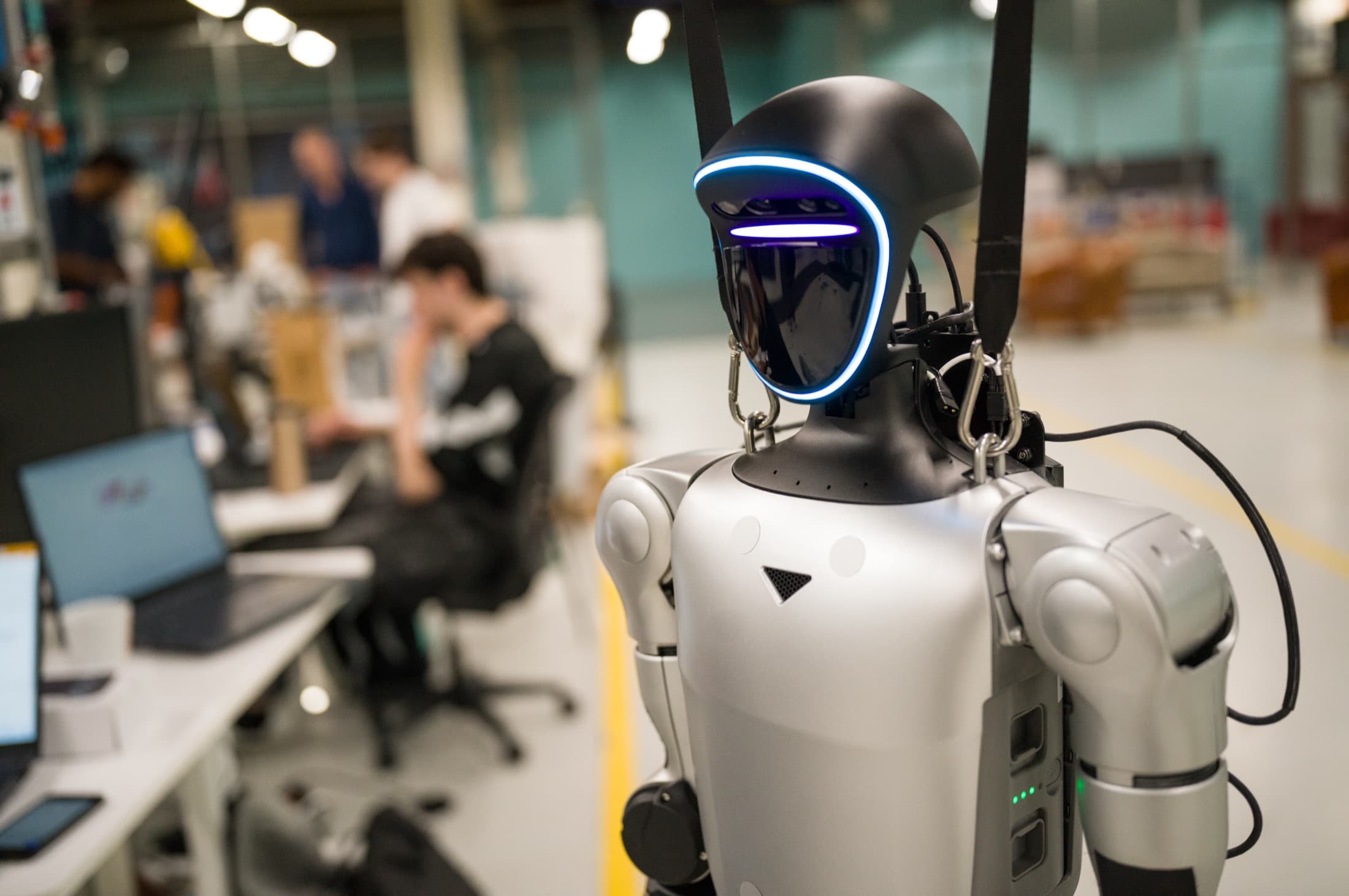
What is the Unitree G1?
The G1 is a humanoid: a human-shaped robot that walks on two legs and actively keeps its balance. Unitree Robotics presented it in 2024.
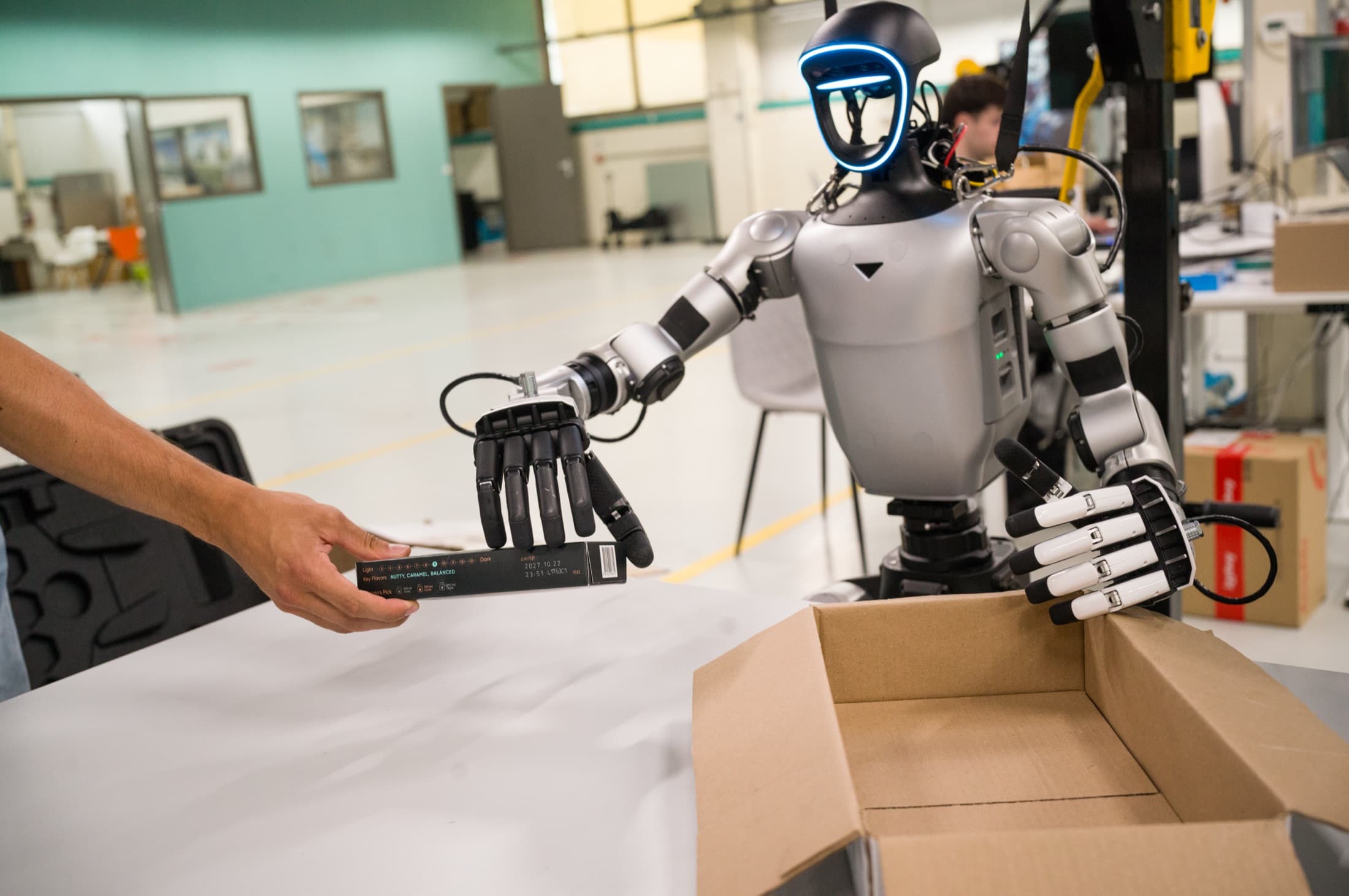
There are two main versions. The standard G1 is used as delivered. The G1 EDU is the development version: only on the EDU can you develop your own software, and it takes gripping hands and an extra AI computer such as an NVIDIA Jetson Orin.
Most videos of flips, boxing and dancing are rehearsed or remote-controlled. Real work takes more than the robot. See our piece on buying a humanoid (in Dutch).
Specifications
Key figures according to Unitree. Values may vary by situation and configuration.
- Dimensions standing (h x w x d)
- G11320 x 450 x 200 mmG1 EDU1320 x 450 x 200 mm
- Weight incl. battery
- G1approx. 35 kgG1 EDUapprox. 35 kg or more
- Degrees of freedom
- G123G1 EDU23 to 43
- Hands
- G1No gripping handsG1 EDUOptional: Dex3-1 three-finger hand
- Max. knee torque
- G190 NmG1 EDU120 Nm
- Max. load per arm
- G1approx. 2 kgG1 EDUapprox. 3 kg
- Battery
- G19000 mAh, quick releaseG1 EDU9000 mAh, quick release
- Runtime per charge
- G1approx. 2 hoursG1 EDUapprox. 2 hours
- Own software development
- G1NoG1 EDUYes
- Unitree warranty
- G18 monthsG1 EDU18 months
Source: Unitree product page, accessed 24 October 2026. According to heise, the head holds an Intel RealSense D435 depth camera and a Livox MID-360 lidar, and the G1 reaches up to 2 metres per second (August 2024).
What it can and cannot do in practice
What we see on our own shop floor, plus what Unitree itself says.
Good at
- Walking stably and keeping its balance, even when pushed.
- Demos, education and research.
- Serving as a development platform (EDU) for teaching it tasks.
Not (yet) able to
- Lift heavy loads: about 2 to 3 kilos per arm.
- Work for long stretches: about 2 hours per charge, and motors overheat with arms held above shoulder height.
- Share a workspace with people: it is not designed or tested for that.
Unitree itself says the industry is at an early stage and advises buyers to understand the limitations first. We agree.
Is the Unitree G1 safe?
Short answer: you can work with it safely if you treat it as a machine, keep your distance and set up its network properly. It is not risk-free.
Physical
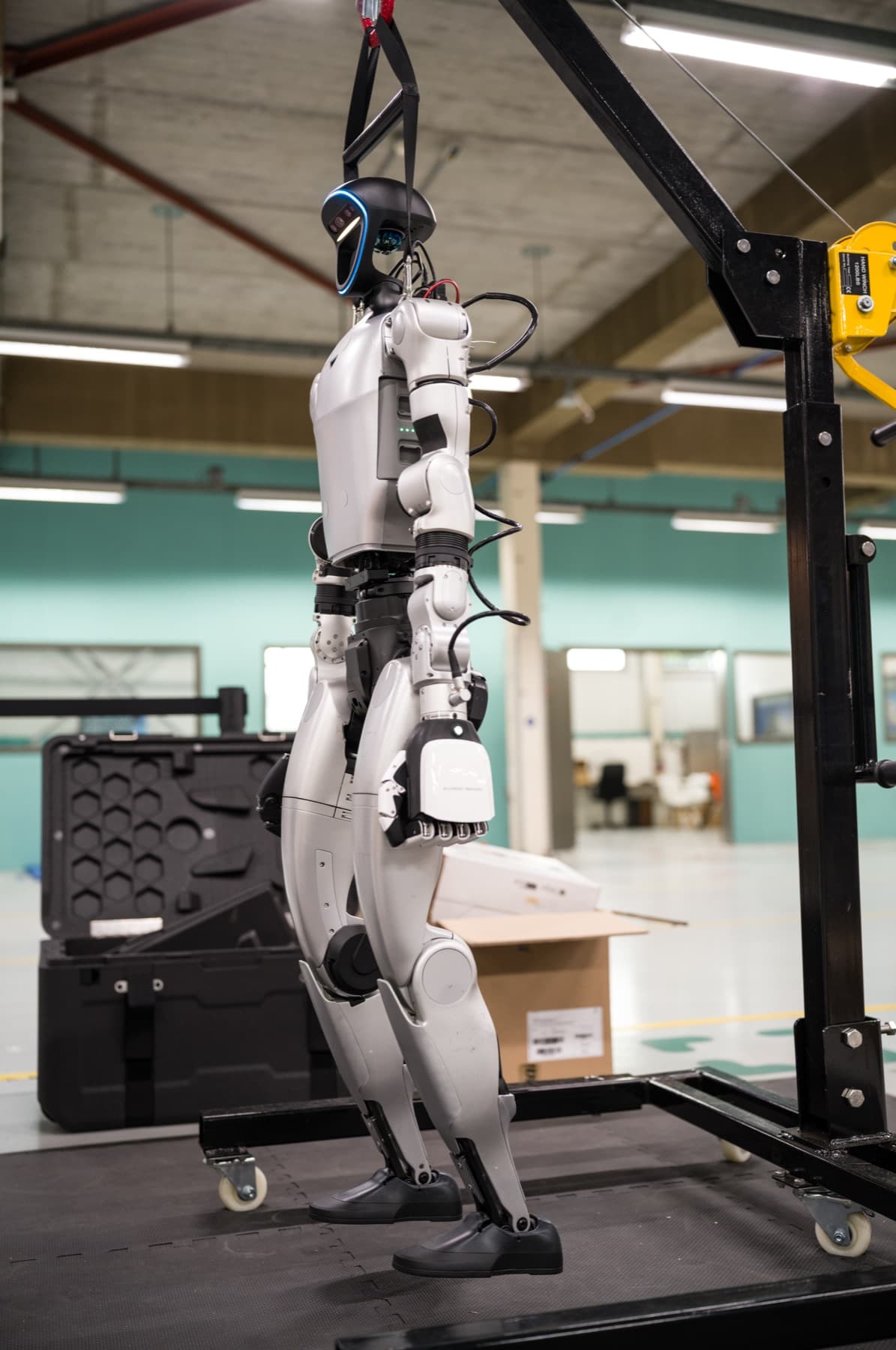
The G1 weighs 35 kilos and has strong motors. Fraunhofer IPA measured collision forces above 500 newtons. Use a fenced zone, nobody inside while it is on, and a fixed person at the emergency stop.
Digital
Researchers found Bluetooth and cloud vulnerabilities in Unitree robots in 2025 and 2026; the cloud flaws have been fixed according to them, and no abuse outside research is known. Not everything is fixed, though. Give it its own network and switch off Bluetooth after setup.
Paperwork
Ask for CE marking and a declaration of conformity, and include the robot in your risk assessment.
More in our piece on humanoids and security (in Dutch).
What HAC does for you
We work with humanoids, including the G1, every day on our shop floor in Schiedam. We are not tied to one brand: if another robot fits your task better, we will tell you.
- 01
See and test
See the G1 during a tour by appointment, or test your own task with us.
Request a tour → - 02
Buy through HAC
Buy the G1 through us, with advice on version, hands and computing, and help with integration. Price and delivery on request.
Ask for price and delivery → - 03
Develop an application
As a Studio Partner you work on your own task in thirteen-week sprints with our engineers.
About Studio Partners →
Frequently asked questions about the Unitree G1
What does a Unitree G1 cost?
Can I buy the Unitree G1 in the Netherlands?
Is the Unitree G1 safe?
Can I see or test the G1 first?
Sources
- 1.Unitree: G1 product page with specifications · manufacturer, accessed 24 Oct 2026
- 2.heise online: Unitree makes G1 fit for mass production · 20 Aug 2024, sensors and speed
Our own pieces (in Dutch), with all sources on safety and buying: